 cynnes
Private friend notes & reminders
Keep the little
things close.
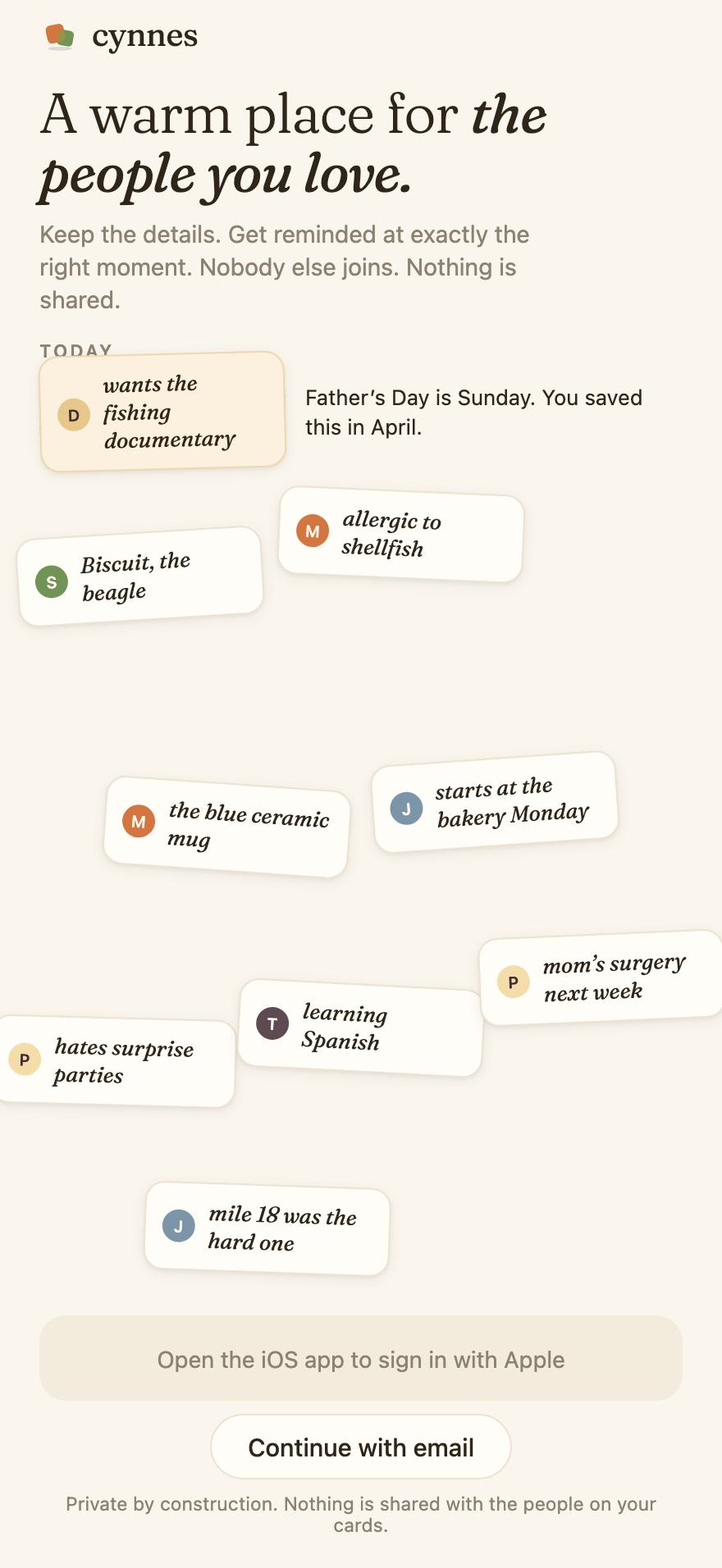
Use Cynnes to stay in touch with friends you know. Keep what they tell you on a private person card, with birthdays, life events and reminders to reach out.
Save the gift idea they mentioned. Keep their interview date. Have a place to return to before you call.
Your friends don't need to join. Nothing you save is posted or shared with them.
From remembering to reaching out
One detail gives you a place to start.
- 01
Save what they said
Type a note, use voice, or add a photo to a person's card. Cynnes helps organize notes. When you describe meeting someone new, review the suggested details before saving.
“Sam's interview is Friday.”
- 02
Give it a moment
Add a birthday or life event, or choose an optional reach-out rhythm. Check the date and your notification settings. A favorite can stay a note without a reminder.
An interview date, with the context beside it.
- 03
Make it a conversation
Return to the saved detail and write your own message, or edit a check-in draft. You choose what to send. Tap “I reached out” after you contact them.
“How did the interview go?”
An illustrative walkthrough with fictional details, not a customer story or a claim that a message was sent.
Choose a way to keep in touch
Keep the reminder and the details together.
You may need a calendar reminder to call someone, or a place to keep the details you want to ask about. In Cynnes, you keep the reminder and the notes with the person. Before your next conversation, return to the gift idea, interview date or story they shared. You choose and send the message in your usual messaging app.
A calendar may be enough if you only need annual birthday reminders. A notes app may be enough if you already revisit it. Cynnes adds the connection between a person, what they told you, and a reason to return.
See a practical example of staying in touch after moving or a long gap.
Before you try it
Do my friends need an account?
No. The people on your cards don't need to install Cynnes or join. Your notes are private to your account.
Can I meet people or chat inside Cynnes?
No. You add people you already know. Cynnes does not provide friend matching, group chat, friend requests, or a community feed.
Does Cynnes send messages for me?
No. You can edit, copy, or share a check-in draft. You decide what to send and through which app. Logging “I reached out” is a separate action.
Does “private” mean everything stays on my phone?
No. Your account and saved content use Supabase. AI organization and story-to-card features send relevant text to Anthropic's API. Check-in drafts are generated locally. Read the privacy policy before saving sensitive details about anyone.
Where can I get it, and what does it cost?
Cynnes is available on the App Store for iPhone. See download and pricing for the current status; no public Android release is advertised.
Who makes Cynnes?
Christopher Li, an independent builder sharing work as @zeyubuilds. This app's website is cynnes.com. See the product facts and press resources.
A few useful habits